
Amazon FBA
What Amazon FBA means for a new seller
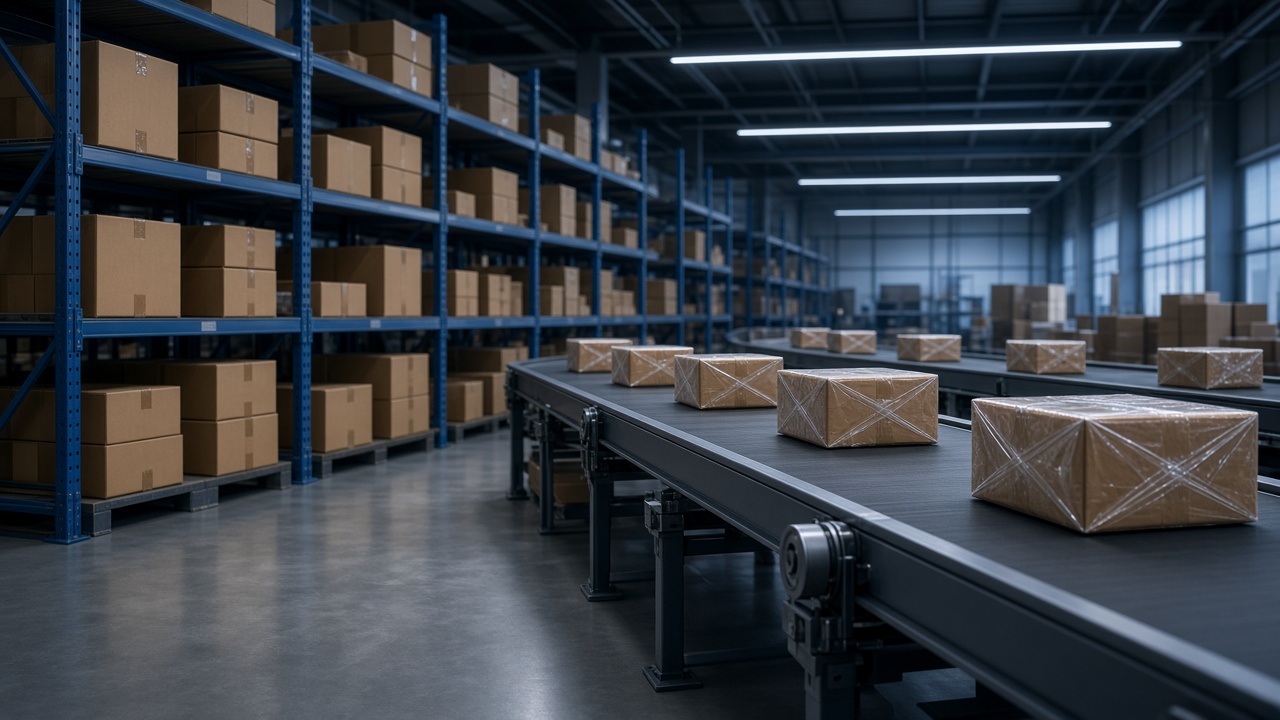
Amazon FBA means Fulfillment by Amazon. In plain terms, you send products into Amazon’s warehouse network. When a shopper buys your listing, Amazon stores the unit, picks it, packs it, and ships it. Amazon also handles a large share of routine order questions such as “Where is my package?”
That division of labor is why many beginners are drawn to the model. Warehouse work is heavy. Customer delivery expectations are high. FBA can remove day-to-day packing from your desk. It does not remove the business decisions that decide whether the product is worth selling.
This guide explains what FBA is, what Amazon does, what you still own, how to think about fees and inventory, and which beginner mistakes to avoid before you place a large purchase order.
What is Amazon FBA?
FBA is a fulfillment service attached to selling on Amazon. You create a seller account, list a product, and choose FBA as the fulfillment method for that inventory. After Amazon receives and checks your shipment, the units become available for sale from Amazon’s fulfillment network.
FBA is not a separate company and it is not a product idea. It is a way to deliver orders after the listing, the inventory purchase, and the pricing decisions already exist. If those upstream choices are weak, FBA only warehouses the problem.
Amazon also offers Fulfillment by Merchant (FBM), where you store and ship orders yourself. Some sellers mix both. Beginners often start by studying FBA because Prime-style delivery and Amazon’s logistics are attractive. The trade-off is fees, storage rules, and less direct control of the package that leaves the warehouse.
Why FBA matters to new sellers
Shoppers on Amazon often prefer listings that ship quickly and arrive with a familiar delivery promise. FBA inventory can sit inside that expectation. For a new seller, that can mean less time spent on labels, couriers, and “order delayed” messages.
FBA also changes your operating rhythm. Instead of shipping each order as it arrives, you plan inventory in batches. You forecast how many units to send, how long they might sit, and how much cash is tied up while they wait. That planning habit is a core seller skill, whether or not you eventually use FBA for every product.
If you are still learning how online selling works in general, read e-commerce basics for beginners first. FBA sits inside that larger picture. It is one fulfillment method, not the whole business.
How Amazon FBA works, step by step
1. You choose and source a product
You decide what to sell, who the customer is, and which supplier can produce or supply the item. You also check whether the category has restrictions, approvals, or brand controls. FBA does not choose the product for you.
2. You create a listing
The listing must describe the real product. Photos, title claims, size, and contents should match what arrives in the warehouse and what the customer opens. Mismatched listings create returns, claims, and account risk.
3. You create a shipping plan and send inventory
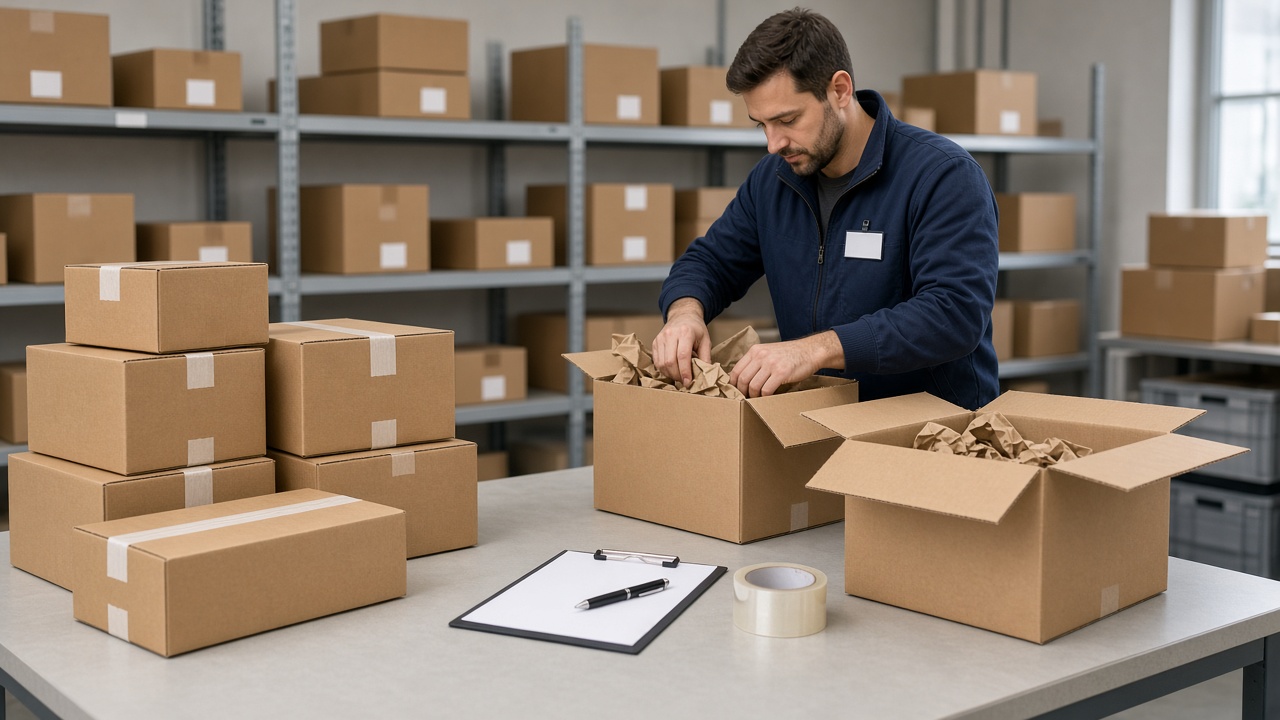
Amazon asks you to create a shipment, label cartons correctly, and follow the current inbound instructions. Incorrect labels, mixed SKUs in the wrong carton, or missing paperwork can delay receiving. Until receiving finishes, those units are not for sale.
4. Amazon stores and fulfills orders
After units are available, Amazon picks and packs when orders come in. You monitor stock levels, sales, returns, and account messages. When stock runs low, you decide whether to reorder and how many units to send next.
5. Fees and payouts are settled in your seller account
Referral fees, fulfillment fees, storage fees, and other charges appear in Seller Central. Exact amounts depend on category, size, weight, and Amazon’s current fee schedule. Do not rely on a blog for a fee table. Use the fee preview tools inside your own account before you commit cash.

FBA compared with shipping orders yourself
When you fulfill orders yourself, you control packing speed, inserts, and how returns are inspected. You also carry the daily shipping work. With FBA, Amazon handles packing and outbound shipping after inventory is received, while you focus more on inbound planning, listing quality, and account monitoring.
Neither method removes the need for a sellable product. FBA changes who packs the box. It does not change whether customers want the product or whether your margin survives fees.
What you still have to manage
FBA removes packing labor. It does not remove ownership of the business. These responsibilities stay with you:
- Product research and supplier relationships
- Listing accuracy and compliance with Amazon policies
- Inventory planning, cash flow, and reorder timing
- Pricing, promotions, and margin after fees
- Product quality issues, safety concerns, and authenticity claims
- Account health notices and required seller actions
A practical way to remember the split: Amazon runs the warehouse. You run the product, the offer, and the account.
A short example
A seller sends 150 closet organizers to FBA. Amazon receives the cartons, stores the units, and ships each order. The seller still chose the product, approved the sample, wrote a listing that states the real width, set a price that can survive fees, and decided whether to reorder when stock got low. If shoppers return the item because the listing overstated the size, Amazon can process the return path, and the seller still owns the inaccurate promise.
That example is the whole model in one product. For the sequence of a first USA shipment, read how to start Amazon FBA in the USA. If you are mixing up fulfillment with buying someone else’s brand, read Amazon FBA vs Amazon wholesale.
Important costs and risks to understand
Fees reduce the selling price
A product that looks profitable at retail can become thin after referral fees, fulfillment fees, and advertising. Build a simple unit economics sheet that includes product cost, shipping to Amazon, Amazon fees, expected returns, and a reserve for mistakes. If the numbers only work in a perfect week, the product is not ready.
Inventory ties up cash
You usually pay the supplier before Amazon pays you for sales. That gap can be weeks or longer. Beginners who buy a large first shipment often discover that cash is stuck in cartons while ads, samples, or living costs continue.
Returns and long-term storage cut into results
Customers can return items. Some returned units cannot be sold as new. Inventory that sits too long can also attract higher storage costs. Plan for unsold units instead of assuming every box sells at full price.
Common beginner mistakes
- Treating FBA as a sales guarantee. A warehouse does not create demand. Search demand, listing quality, reviews, and price still decide whether units move.
- Buying inventory before checking restrictions. Some brands and categories need approval. Discovering that after goods arrive is expensive.
- Ignoring landed cost. Product price, freight, duties, labeling, and prep all belong in the cost, not only the factory quote.
- Copying another seller’s listing claims. If you cannot stand behind the claim, do not publish it.
- Sending a first shipment that is too large. A smaller test order teaches receiving issues, return rates, and real demand with less cash at risk.
- Leaving account messages unread. Policy warnings and performance notices need attention even when FBA is shipping the parcels.
Practical tips before your first FBA shipment
- Write one sentence for the customer problem and one sentence for why your offer is credible.
- Confirm the product is allowed for your account and that your supplier can remake or replace defective units.
- Build a fee-aware profit estimate using Seller Central tools, not a screenshot from social media.
- Prepare packaging and labels exactly as the current shipping plan requires.
- Start with a quantity you can afford to hold if sales are slower than expected.
- Track returns, customer feedback, and stock days on hand from week one.
If you want a structured path that includes Amazon FBA lessons inside a broader online business curriculum, review the Shahid Anwar Course, the current amount on Course Price, and the enrollment steps on How to Join. For access after enrollment, see the Shahid University App and the FAQ.
Frequently asked questions
Is Amazon FBA the same as owning an Amazon business?
No. FBA is a fulfillment method. The business still includes product selection, sourcing, listing, pricing, compliance, and cash management.
Do I need a warehouse of my own?
Not for FBA inventory that Amazon has already received. You still need a way to prepare and send inbound shipments, which may involve your home, a prep center, or a supplier that labels cartons for you.
Can beginners start with FBA?
Yes, many beginners study FBA first. Starting well means learning the model and testing carefully, not buying the largest possible first order.
Does FBA guarantee Prime badges or sales?
FBA can support Prime-style delivery when inventory is available and eligible. It does not guarantee sales, reviews, or ranking.
Where should I learn the wider ecommerce context?
Read e-commerce basics for beginners and how to think about starting an online business. Those guides cover the business pieces that sit around FBA.
Conclusion
Amazon FBA is a fulfillment partnership: you supply sellable inventory and an accurate listing; Amazon stores units and ships orders. The model can remove packing from your daily work, but it does not remove research, sourcing, fees, inventory risk, or account responsibility.
Learn the split of duties, calculate real unit economics, and start with a shipment size you can survive if demand is slower than hoped. That approach is more useful than rushing into a large purchase order because FBA sounds convenient.